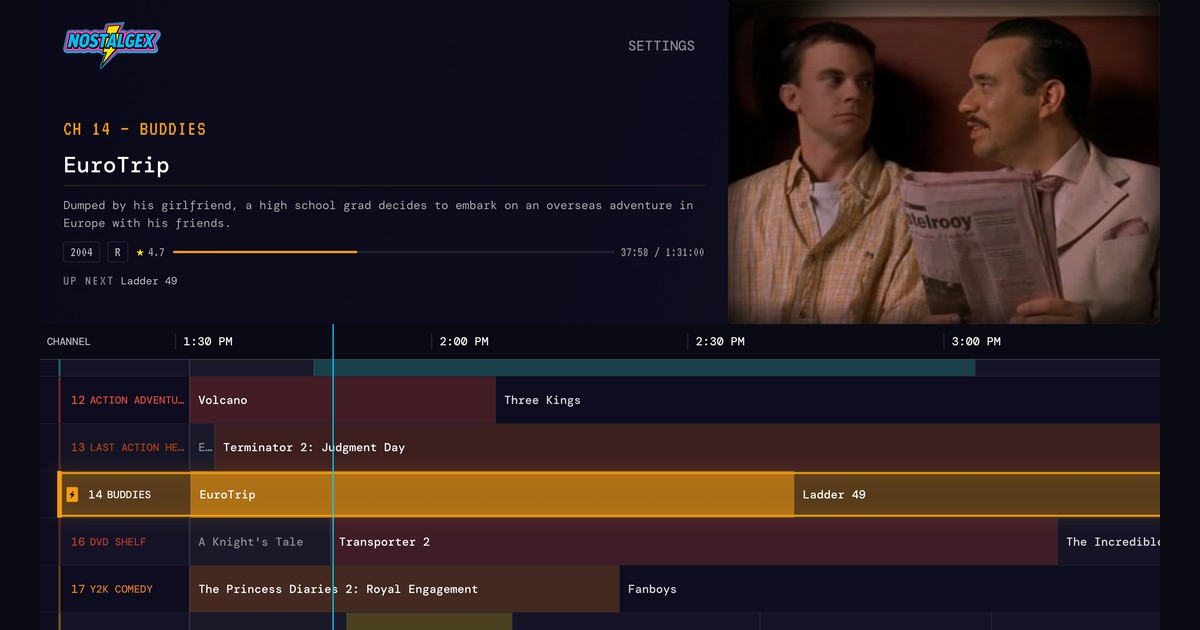
Nostalgex 1.0.26: movie franchise channels, official Emby support and a much steadier app
Nostalgex 1.0.26 is out on Apple TV, and it is really three releases in one. The App Store went straight from 1.0.23 to 1.0.26, so everything I built for 1.0.24, 1.0.25 and 1.0.26 lands in a single update.
If I had to sum it up in one line: it simply works a lot better now.
The headline is something I have wanted since the first build. Nostalgex now finds the film series in your library and gives each one its own channel. But a lot of the work in this update went into the boring, important stuff too: big libraries that stay put, Emby that loads, titles that stay whole, and streams that recover on their own.
Here is what is new.
What are movie franchise channels?
FRANCHISES goes through your Plex, Jellyfin or Emby library and finds the film series in it. Rocky, American Pie, Indiana Jones, whatever you happen to own. Each series becomes its own channel, airing all day like everything else in Nostalgex, and each one gets its own switch in Settings so you choose which ones sit in your lineup.
You don't program anything. Nostalgex builds the channel and runs the schedule. You just flip to it and land somewhere in the middle of the trilogy, which is honestly the best way to watch a trilogy.
Your server's own collections come along too. They are now sorted into two places:
- FRANCHISES for film series. Sets like John Wick and The Hunger Games are filed here, as the franchises they are.
- OTHER COLLECTIONS for everything else, including the actor and director sets.
That also means NOTABLE STARS is retired. The actor and director sets it used to hold now live in OTHER COLLECTIONS, right next to the rest of your collections.
One more change in the same spirit: whole film series now stay off channels outside their genre, and more channels fill up using TMDB and IMDb data. So a franchise shows up on its own channel and on the genre channels it actually fits, not scattered across the dial.
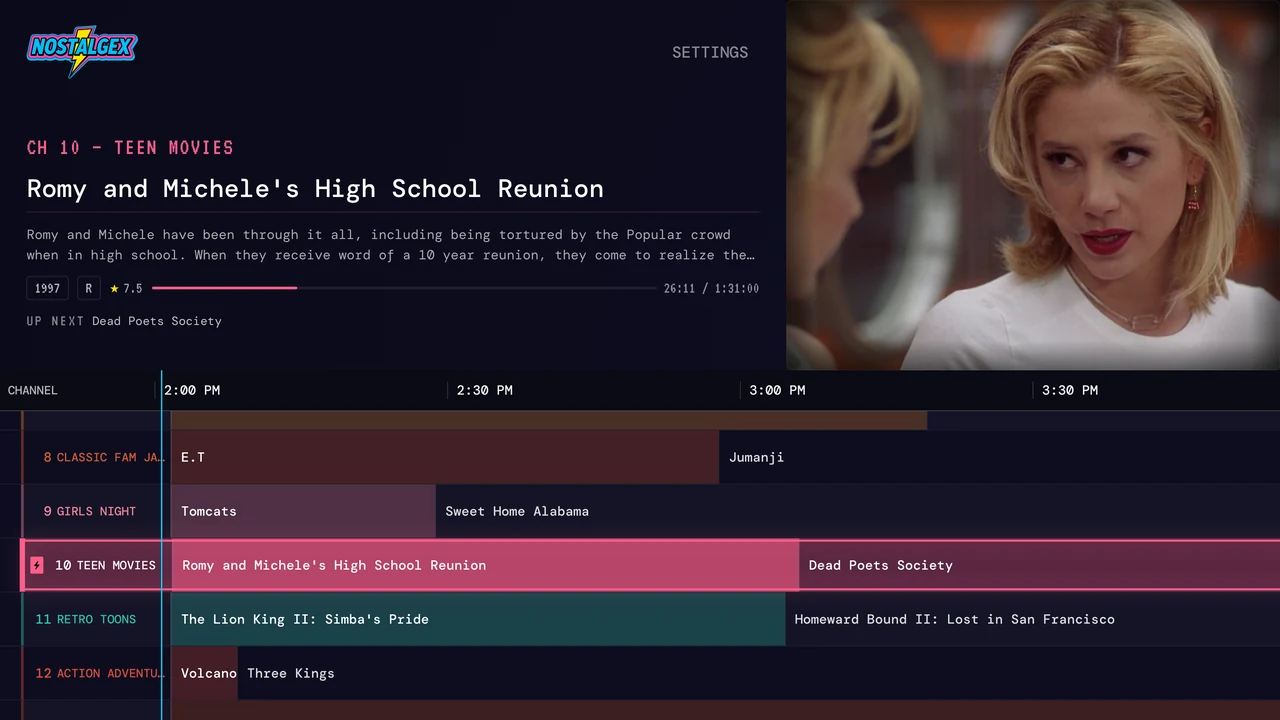
Does Nostalgex work with Emby now?
Yes. Emby is now officially supported, alongside Plex and Jellyfin.
The bug that held it back was a silly one. The library scan was sending Emby a request shaped for Jellyfin, and Emby answered the very first call with a 404, so nothing loaded. Emby now gets its own requests, and Emby libraries load again. Switching from Plex to Emby or Jellyfin works too.
I want to say a big, warm thank you to the Emby community here. You sent me a ton of feedback, logs and testing, and that is what got these fixes out. I couldn't have done it without you.
Jellyfin and Emby both also get FIND SERVERS ON MY NETWORK, which fills in your server address for you, so you are not typing an IP with a remote.
Why did Nostalgex crash with a large library?
If your library is huge, you may have seen Nostalgex crash right after the guide appeared. That is fixed.
Nostalgex now saves your library in small pieces in the background. The next time you launch, it opens from that saved copy instead of scanning everything again. Big libraries get the guide quickly and stay put.
What else got fixed?
A lot. These are the ones I'd have wanted to know about:
- Plex titles stay whole. A title cleaner meant for music videos was trimming every film with a dash in its name. Spider-Man became just "Man" and went missing from channels that look for it by name. Films keep their full titles now.
- Cards that tell you why something won't play. When a programme can't play, the channel now shows a card explaining why, instead of quietly skipping ahead and leaving you wondering.
- Stalled streams recover. If a Jellyfin or Emby stream stalls, Nostalgex asks the server again instead of sitting on a frozen picture.
- Plex multiple versions and multipart films. Films with more than one version, or split across several files, play the right version and start in the right part.
- Jellyfin MP4 files named .mkv. MP4 files saved with an .mkv extension now play.
None of these are flashy, but together they are the reason the app feels so much steadier on the couch.
Can Nostalgex sync across Apple TVs?
It can now, if you want it to. iCloud sync is off by default. Turn it on in Settings > CONNECTION and every Apple TV on your Apple ID shares the same lineup and settings. Switch a package on in the basement and the living room follows.
Your server logins never leave the device. Only the lineup and settings sync.
What does Report Playback do?
REPORT PLAYBACK shows what you are watching in your server's Now Playing, and it marks a film watched once you have seen most of it. What it won't do is flood your Continue Watching row with every movie you surfed past while flipping channels. Channel surfing is the whole point of Nostalgex, so that row stays clean.
Does the web tuner work on a phone?
Yes. The web tuner at nostalgex.app now works properly in your phone's browser, with full width video, the guide in the right place, and the controls tucked behind one menu. It is still a website, not an app, so there is nothing to install. Open it in the browser and tune in.
Is Nostalgex still free?
Yes. Nostalgex is free and open source under the MIT licence. There is now a small tip jar in Settings with three options: Popcorn, TV Dinner and Pizza Night. A tip is just a thank you. If Nostalgex has given you a few good nights in front of the TV and you want to say thanks, that is what it is there for.
Thanks
Thank you to @w6trp for four pull requests (#18 to #21) in this release, and to everyone who sent in a bug report. Every one of those reports made this update better.
How do I get Nostalgex 1.0.26?
Nostalgex runs on Apple TV with tvOS 18 or later. Update from the App Store on your Apple TV, or get Nostalgex free if you are new. Connect your Plex, Jellyfin or Emby server and the channels are built for you from what you already own. No Apple TV handy? Try the free web tuner at nostalgex.app.
Once your franchise channels are on, a themed night is a flip away. If you want ideas, I wrote up a 90s slasher movie marathon for Halloween and a Friday night of 90s buddy cop movies.
Thanks for watching. See you on the dial.
Chad