Moving from Plex to Jellyfin or Emby? Your cable guide comes with you
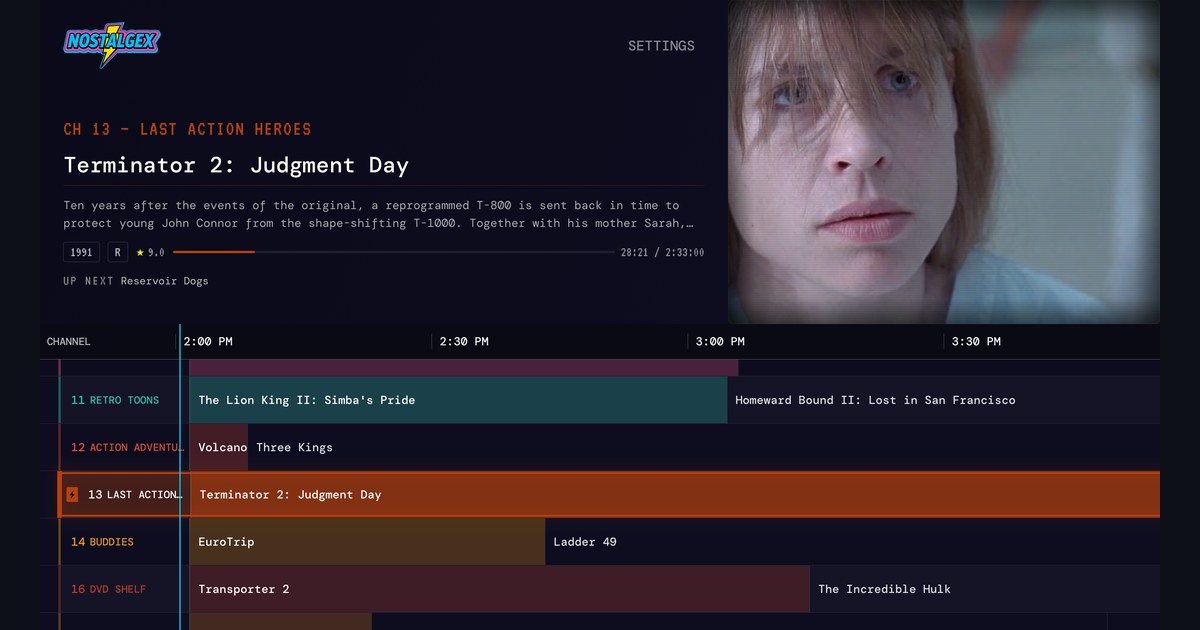
Nostalgex works with Plex, Jellyfin and Emby, so if you move your library to a new server, your channel guide comes along. Connect the new server and the 130+ channels rebuild themselves from what's on it, on the same channel numbers. Nothing to program, nothing installed on the server. Jellyfin and Emby work on Apple TV and in the web tuner, and Emby has its own Connect with Emby button.
A lot of people I talk to are kicking the tires on Jellyfin or Emby this fall. Some are tired of surprise Plex Pass prompts after Plex's remote streaming changes, some just want to try something new, and a few have been "about to switch" since 2021. Whatever your reason, I want to answer the one question I can actually help with: what happens to the cable guide?
I make Nostalgex, so I'm biased. But I also built it to work the same on all three servers on purpose, so this one is easy.
Will my channels still work if I leave Plex?
Yes. Nostalgex doesn't store a copy of your channels on Plex, and it doesn't keep a lineup that only Plex understands. It reads your library and builds the channels from it, every time. Point it at a Jellyfin or Emby server with the same movies and shows, and the guide fills back in on its own.
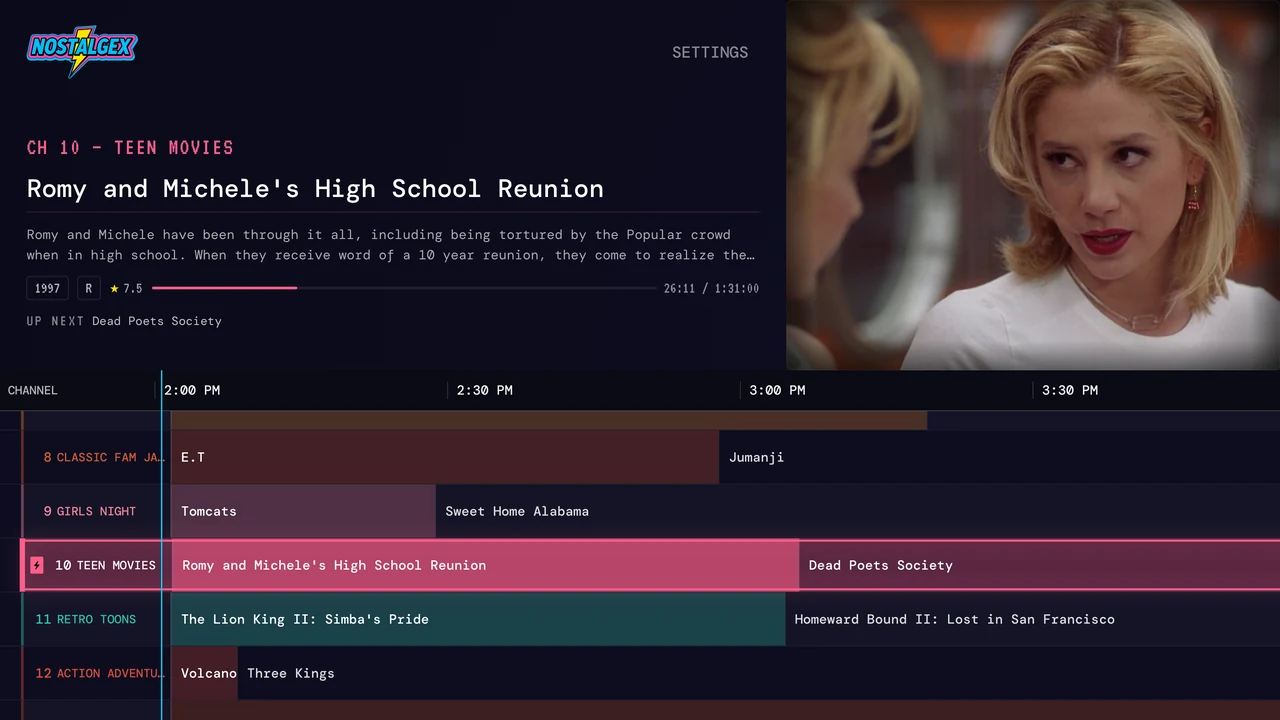
The channel numbers don't move either. BUDDIES is channel 14 on Plex, and it's channel 14 on Jellyfin. Your muscle memory survives the migration, which is more than I can say for my old remote.
Switching servers in the Apple TV app got a proper fix in 1.0.26, too. Before that, a library refresh that was still running in the background could finish late and overwrite your new library with the old one. Now each scan knows which sign in it belongs to.
How do I connect Jellyfin on Apple TV?
- Open Nostalgex and choose Jellyfin.
- Sign in with Quick Connect: the Apple TV shows a code, and you enter it in Jellyfin from a browser where you're already signed in. No typing a password with the Siri Remote.
- Or type the server address yourself. Typing just the IP works, because it looks on port 8096 for you. Don't know the address? Press FIND SERVERS ON MY NETWORK and pick your server from the list.
- Open the guide. Something's already on.
There's more detail in my post on getting a TV guide for your own Jellyfin library.
How do I connect Emby?
Emby is officially supported since Apple TV 1.0.26. Huge thanks to the Emby folks who sent me logs and tested builds, because that's what got it over the line.
- On Apple TV: choose Emby, then sign in with your Emby username and password, or press FIND SERVERS ON MY NETWORK to fill in the address.
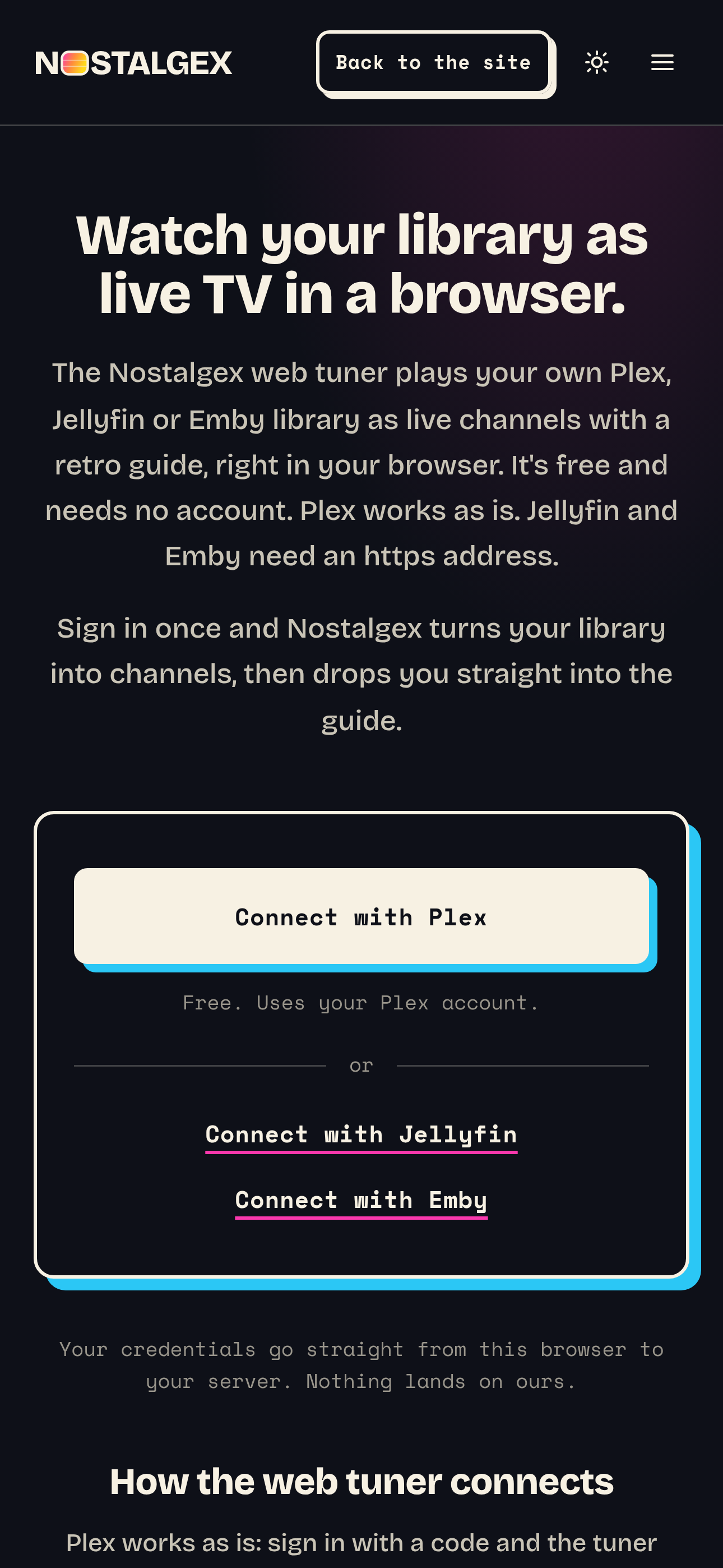
- In the web tuner: use the Connect with Emby button. Emby has its own button now, so you're not squeezing in through the Jellyfin door anymore.
The Nostalgex for Emby page has the rest.
What about the web tuner?
The free web tuner works with all three servers. One thing changes when you leave Plex, though. Plex hands out real certificates for local addresses, so the hosted tuner can reach it as is. Jellyfin and Emby usually don't, and browsers won't let a secure page talk to a plain http server.
So on nostalgex.app, your Jellyfin or Emby server needs an https address. If it's plain http on your home network, run the web tuner as a Docker container on a machine at home instead. It serves the tuner over plain http on your network, so that wall goes away. The Docker container guide walks through it in one command. Or skip the browser and use the Apple TV app, which connects to plain http servers on your network just fine.
What should I know before I switch?
A few honest notes, because I'd want to know them:
- Channels fill from what matches. Every channel is a set of rules over your library's details: genres, years, ratings, collections. If the new server's metadata is thinner than what Plex had, a few channels can come up light until it catches up. A channel that's too thin stays hidden instead of looping the same two movies.
- REWATCHABLES needs history. The REWATCHABLES channels fill from play counts, and a title needs 3 or more plays. A brand new server starts at zero, so those channels can be quiet for a while unless your watch history comes with you.
- Collections come along if you bring them. Your server's collections show up as channels you can switch on, and Nostalgex finds the film series in your library for FRANCHISES on its own. If you rebuild your collections on the new server, they come back in the guide.
- It never changes your server. Nostalgex reads your library. It doesn't add, rename, move or delete anything, on any of the three.
You don't have to do the move in one night, either. Nostalgex on Apple TV can connect to more than one server at once, so you can keep Plex connected while you test the new one.
FAQ
Does Nostalgex work with Jellyfin?
Yes. On Apple TV you can sign in with Quick Connect or a username and password, and the web tuner has a Connect with Jellyfin button.
Does Nostalgex work with Emby?
Yes. Emby is officially supported since Apple TV 1.0.26, and the web tuner has its own Connect with Emby button.
Do I have to set my channels up again after switching servers?
No. Nostalgex builds every channel from your library, so connect the new server and the guide rebuilds itself. You can still switch whole bundles on or off in Settings.
Will my channel numbers change?
No. Channel numbers are part of Nostalgex, not your server, so BUDDIES is channel 14 everywhere.
Why won't the web tuner reach my Jellyfin or Emby server?
Usually because the server is on plain http and nostalgex.app is https. Give the server an https address, run the web tuner as a Docker container at home, or use the Apple TV app.
Free on Apple TV (tvOS 18 and up), get it on the App Store. Open source (MIT), no account.