Your library, now flipping on Roku®.
Nostalgex turns your own Plex, Jellyfin or Emby movies and shows into 130+ channels with a retro TV guide. Sign in and it's already on.
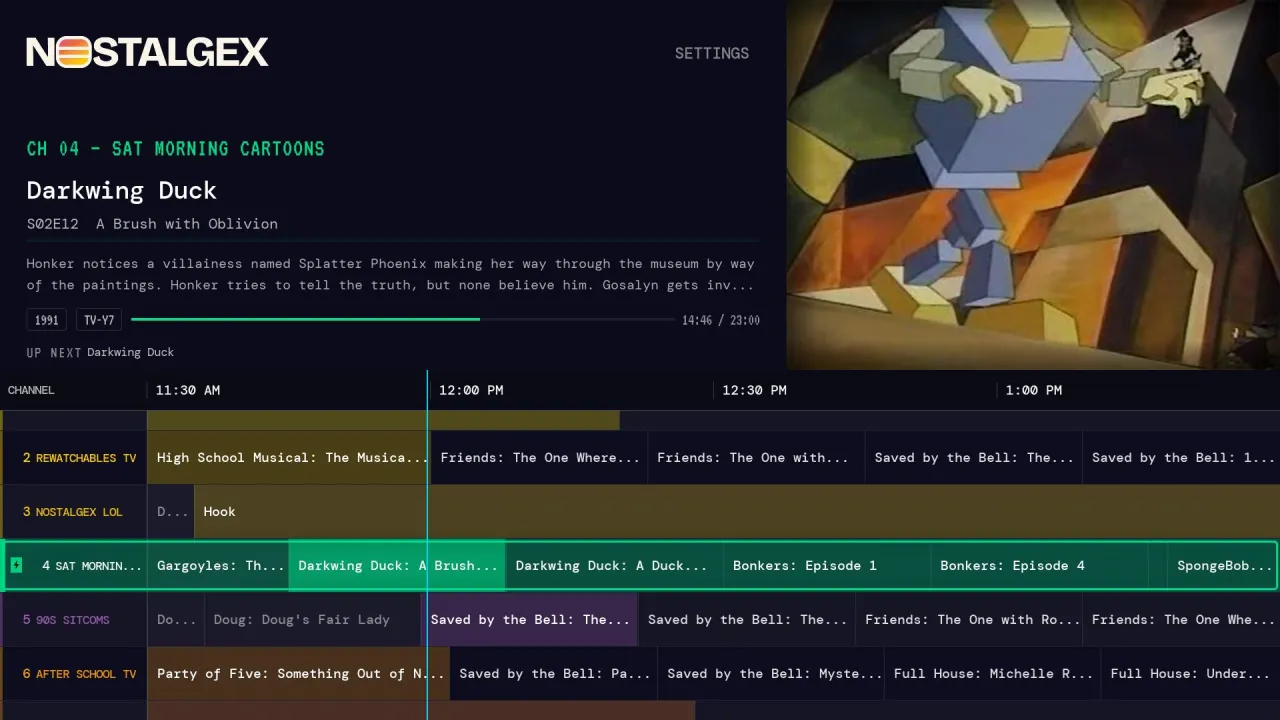
Plug and play
-
01
Add the Nostalgex beta channel to your Roku.
-
02
Sign in with Plex, Jellyfin or Emby.
-
03
Flip channels.
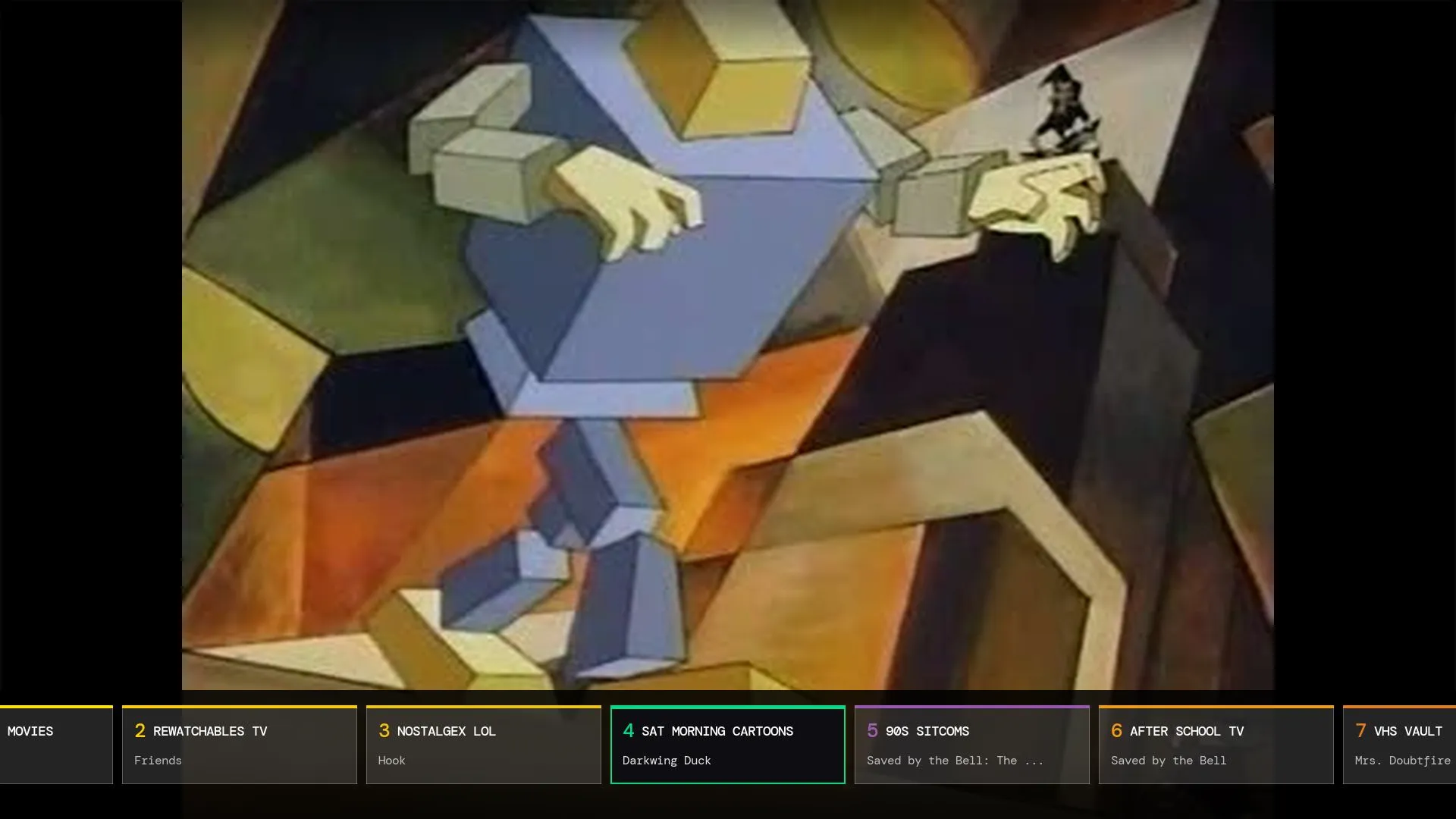
You land in the middle of something, just like real TV.
Nothing to install on your server. No Docker, no plugins, no setup.
Real TV, from your own shelf.
- 130+ channels across bundles like KIDZ ZONE, SCREAM and TIS THE SEASON
- A classic channel guide that shows what's on now and next
- Shows already in progress when you tune in, so there's no deciding what to watch
- Works with Plex, Jellyfin and Emby
Join the beta
Roku allows 20 testers per beta, so spots are limited. You'll need a Roku and your own Plex, Jellyfin or Emby server with some movies and shows on it.
- 1
Go to my.roku.com/
account/ and sign in with your Roku account. Or enter access codeadd/ JRLVTGL JRLVTGLunder Add channel with a code. - 2
The Nostalgex channel shows up on your Roku within a day. Checking for system updates can bring it in sooner: Settings > System > Software update, or System update on older menus.
- 3
Tell us how it runs in our Discord.
Beta full? Join the Discord and you'll hear first when spots open.
Built by the community
The Roku version was ported by tydude001 and is now the official Nostalgex app for Roku. Like the rest of Nostalgex, it was built with AI help, and the full source is public on GitHub.
Roku questions, answered.
Is it in the Roku Channel Store?
No. Right now it's a beta you add with an access code.
Does it cost anything?
Nostalgex is free. The Apple TV app has an optional tip jar that unlocks nothing.
Do I need to set up a server or Docker?
You need your own Plex, Jellyfin or Emby server with media on it. Nostalgex itself needs nothing installed.
What Roku devices does it work on?
So far it's been tested on a Roku Streaming Stick Plus and TCL Roku TVs. Testing on more models is what the beta is for.