The best Jellyfin apps for Apple TV
For browsing and playing your Jellyfin library on Apple TV, the main picks are Swiftfin (the Jellyfin project's own free app), Infuse (a polished player with a paid Pro tier) and Streamyfin (free and open source, now on the App Store for Apple TV too). Nostalgex is a different kind of app: it doesn't replace a Jellyfin client, it turns your library into 130+ live channels with a retro TV guide, free. Most people end up with one client for picking something and Nostalgex for flipping.
I should say up front that I built Nostalgex, so I'm not neutral here. I also use a regular Jellyfin client every week, because Nostalgex isn't trying to be one. It doesn't have a library browser or a search bar. It's the thing you open when you don't want to decide what to watch.
So this post is two answers. First, the apps for watching a specific thing. Then the app for when you just want something on.
Which Jellyfin app should I use on Apple TV?
Checked November 16, 2026. Prices and features change, so check each App Store page before you buy anything.
| App | What it is | Price | Good for |
|---|---|---|---|
| Swiftfin | The Jellyfin project's own client | Free, open source | A Jellyfin first app from the people who make Jellyfin |
| Infuse | A long running video player that connects to Jellyfin, Plex, Emby and network shares | Free, with Infuse Pro for many features | Wide file format support and a polished interface |
| Streamyfin | A community Jellyfin client, on iPhone, iPad and Apple TV | Free, open source | A free alternative with its own take on the interface |
| Nostalgex | A live channel guide built from your library, not a full client | Free, open source (MIT) | Flipping channels instead of browsing |
Swiftfin
Swiftfin is the official Jellyfin client for iPhone, iPad and Apple TV. Its tvOS version came to the App Store in July 2026 with a rebuilt Apple TV app and a new player. It's free and open source. As of this check it asks for tvOS 26.1 or later, so look at the App Store page for the current requirement.
Infuse
Infuse by Firecore has been around for years and plays a very wide range of files. It connects to Jellyfin alongside Plex, Emby and network shares, which is handy if your setup is a bit of everything. A lot of its features need Infuse Pro, which is a subscription or a one time lifetime purchase.
Streamyfin
Streamyfin is a free, open source Jellyfin client from the community. It's on the App Store for Apple TV as well as iPhone and iPad, and it's worth a look if you want something free that isn't Swiftfin.
There are others too, and the list grows every month. These three are the ones I see come up most often.
What if I don't want to pick a movie at all?
This is the gap all of those apps share, and it's not a knock on them. They're built for choosing. You open them, you scroll, you pick. Some nights that's perfect. Other nights you spend twenty minutes scrolling and end up rewatching The Office.
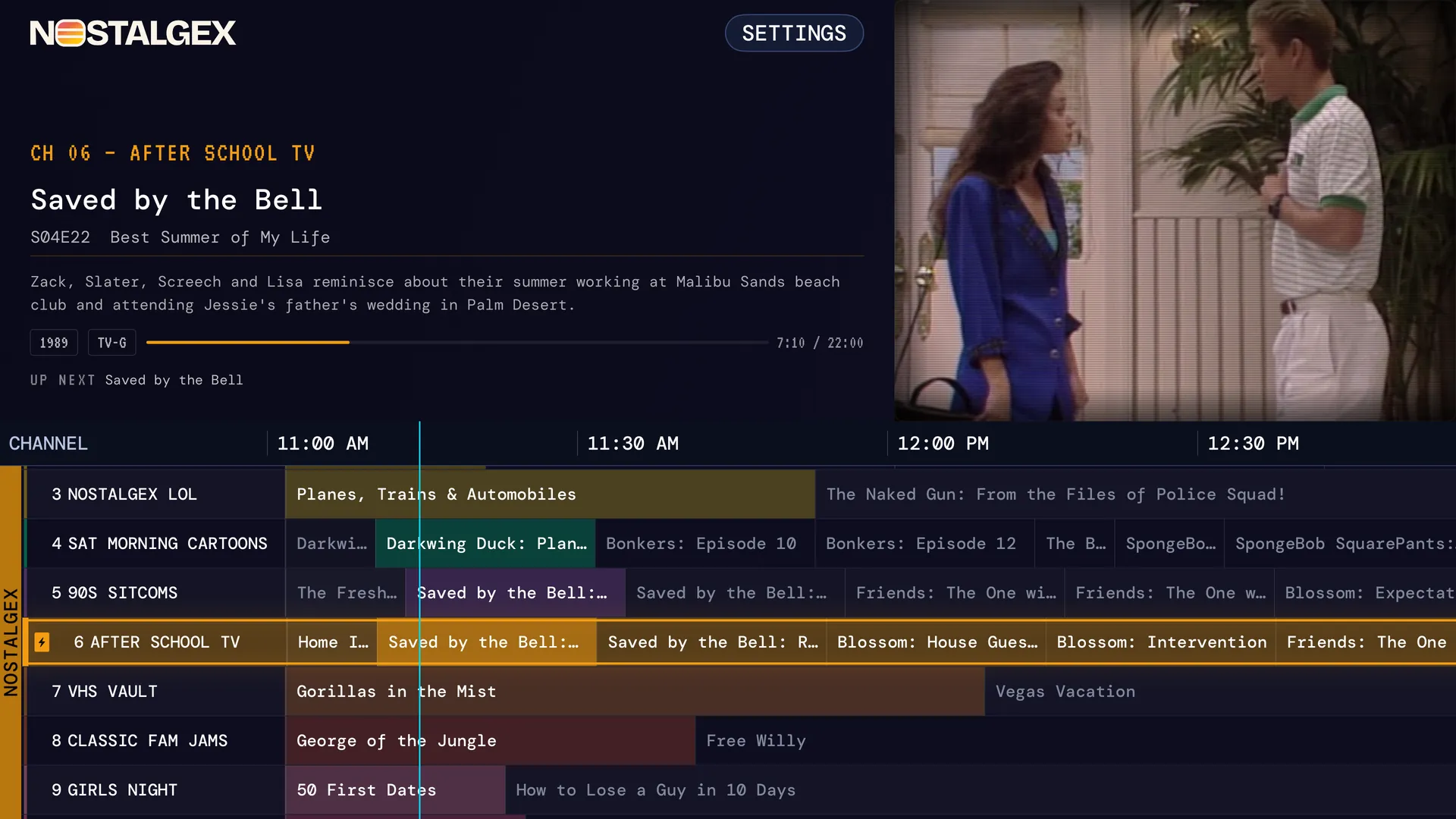
Nostalgex turns your Jellyfin library into live TV. It sorts your movies and shows into 130+ themed channels on its own: SAT MORNING CARTOONS, 90S SITCOMS, 80S SITCOMS, VHS VAULT, teen movies, franchises and more. Each channel runs on a schedule, so when you tune in, something is already halfway through. You never program a lineup.
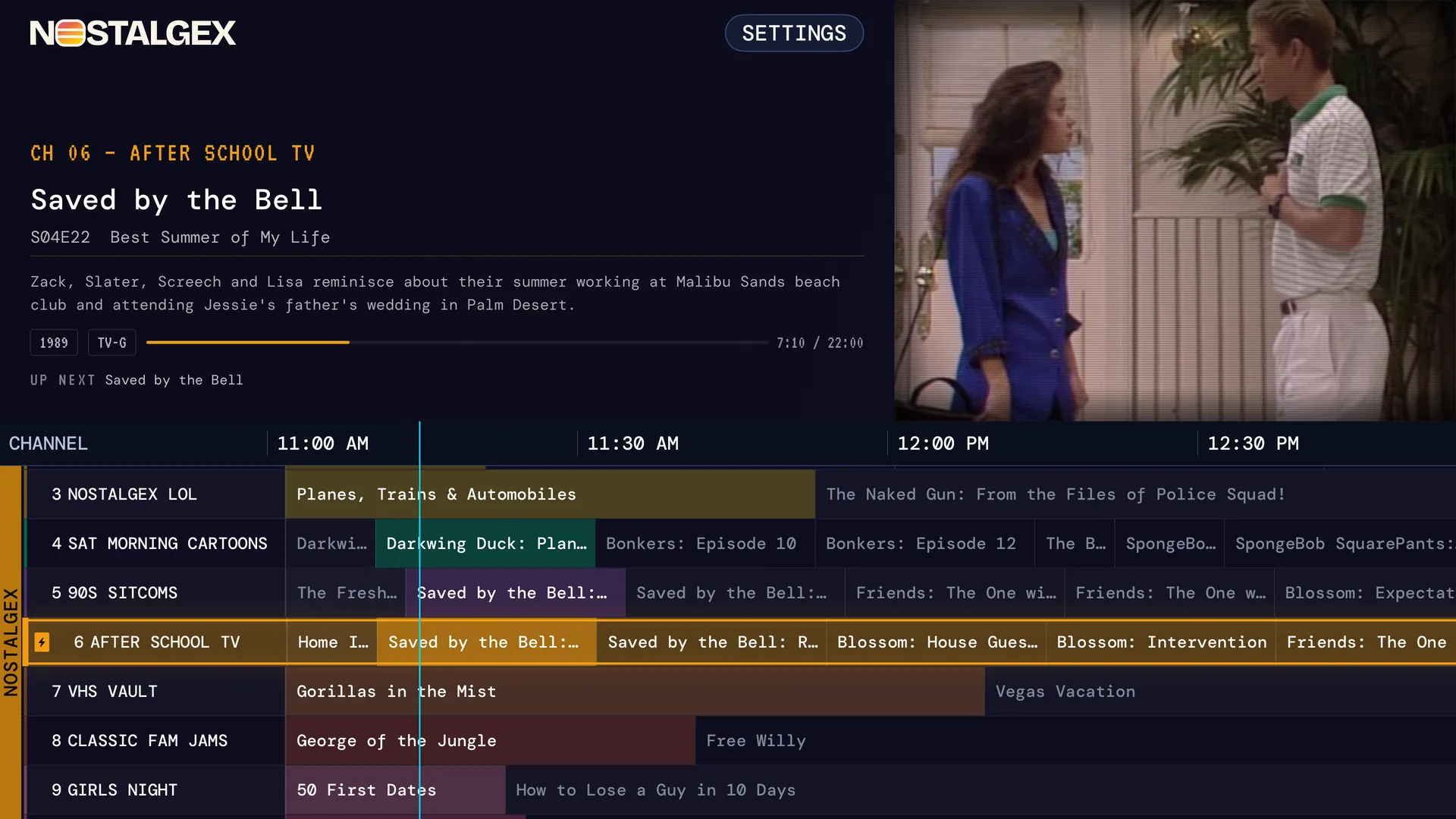
What it doesn't do, so you know: no library browsing, no search, no downloads, no picking an episode. If you want to watch one particular thing, use a client. Nostalgex is the companion, not the replacement.
How do I set up Nostalgex with Jellyfin on Apple TV?
- Get Nostalgex free on the App Store on an Apple TV with tvOS 18 or later.
- Pick Jellyfin. Nostalgex looks for your server on your network and goes straight to it if one answers.
- Approve the Quick Connect code from Jellyfin on your phone or computer, or sign in with your username and password.
- Flip.
If your server has more than one library, you choose which ones load, and you can change it later in Settings. The Nostalgex for Jellyfin page has more, and the Jellyfin TV guide post explains why Jellyfin's own Live TV guide stays empty without a tuner.
Not on Apple TV? Nostalgex is also on Roku and in the free web tuner.
FAQ
What is the official Jellyfin app for Apple TV?
Swiftfin is the Jellyfin project's own app for Apple TV, iPhone and iPad. It's free on the App Store.
Is Infuse free for Jellyfin?
Infuse has a free tier that plays your library, and Infuse Pro unlocks more features for a subscription or a lifetime price. Check Firecore's site for current pricing.
Can I watch my Jellyfin library as live TV channels on Apple TV?
Yes. Nostalgex turns your Jellyfin library into 130+ live channels with a retro guide. It's free and signs in with Quick Connect.
Does Nostalgex replace Swiftfin or Infuse?
No. Nostalgex is a live channel guide. It doesn't browse or search your library, so most people keep a regular Jellyfin client for that.
Does Nostalgex work with Emby and Plex too?
Yes. It works with Plex, Jellyfin and Emby.