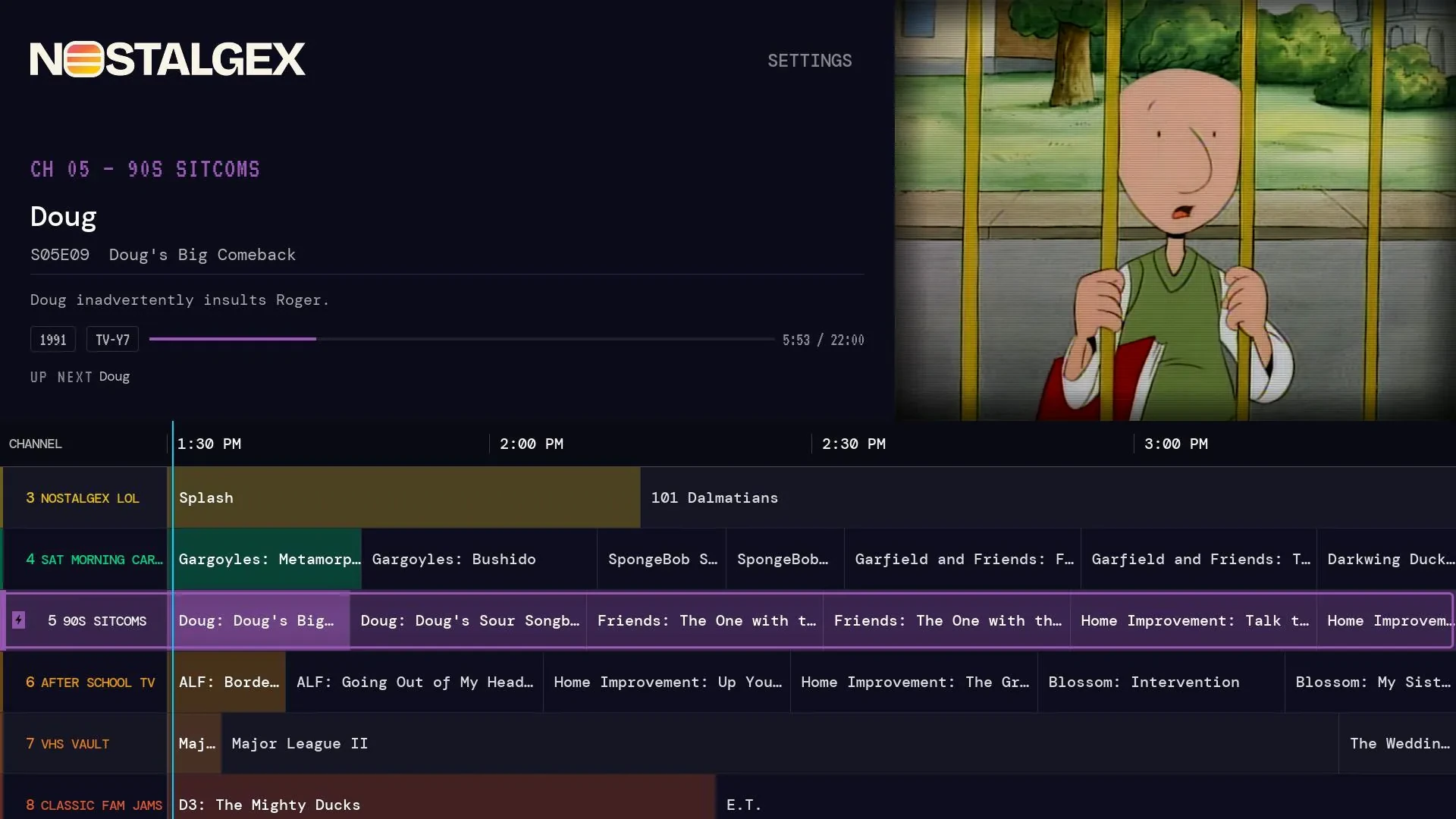
Nostalgex is on Roku
Nostalgex is on the Roku Channel Store. Add it from your Roku account with the code NOSTALGEX, or search for Nostalgex on your Roku, then sign in to your Plex, Jellyfin or Emby server. It turns your own movies and shows into 130+ live channels with a retro TV guide, and something is already playing when you tune in. It's free and open source (MIT).
For months, the question I got most was some version of "cool, but I have a Roku." Fair. Half the TVs in my extended family are Roku TVs, including the one at my parents' place that still has a VHS player plugged into it out of pure stubbornness.
So here's the short answer: yes. Nostalgex is on Roku now, as a real app in the Roku Channel Store. Not a sideload, not a beta you need an invite for.
How do I add Nostalgex to my Roku?
Two ways, both take about a minute.
- From your Roku: open the Streaming Store from the home screen, search for Nostalgex, and choose Add app.
- From your phone or computer: sign in to your Roku account and add it with the code NOSTALGEX. The Nostalgex for Roku page has the button that takes you straight there.
Then open it on the TV and sign in:
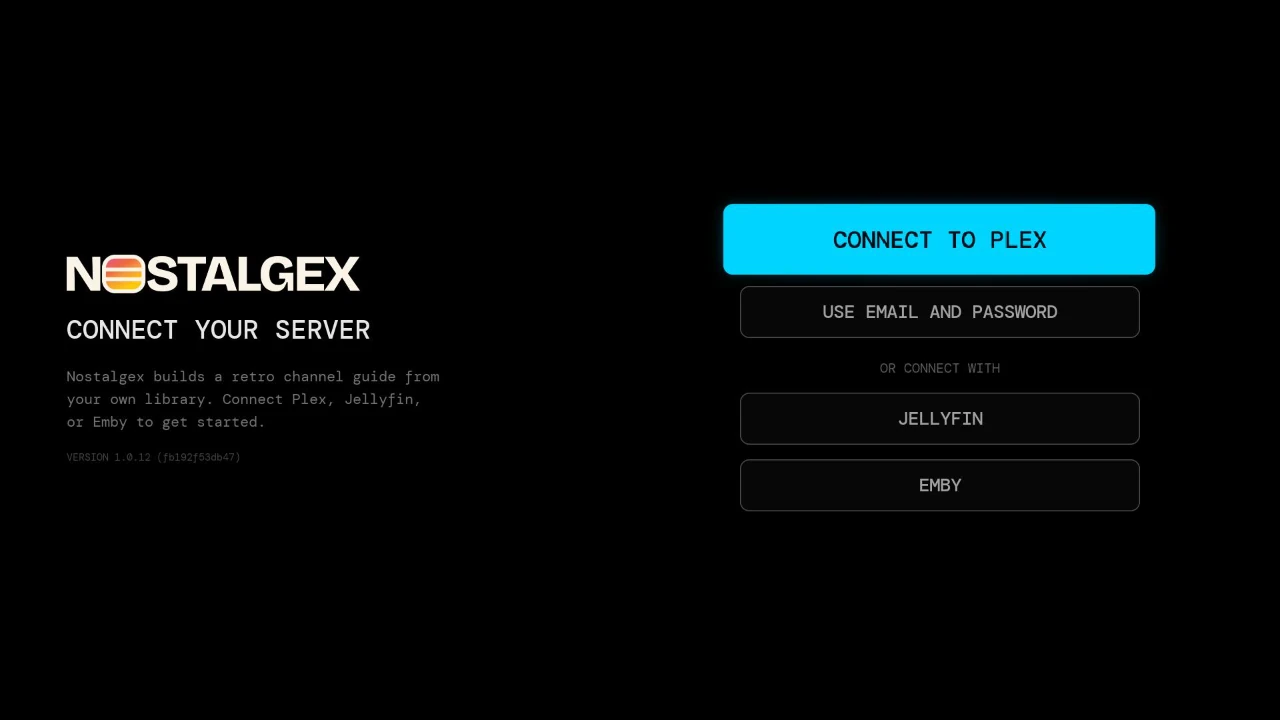
- Plex: scan the code on screen with your phone, or type your Plex email and password on the TV.
- Jellyfin or Emby: connect to your server. On Jellyfin you can approve a Quick Connect code instead of typing a password with the remote, which I highly recommend for your thumbs' sake.
That's the whole setup. Nothing gets installed on your server. No Docker, no plugins, no channel building.
What do you actually get?
The same idea as the Apple TV app. Nostalgex reads your library and sorts it into 130+ themed channels on its own, like the back of an old cable bill: SAT MORNING CARTOONS, 90S SITCOMS, AFTER SCHOOL TV, VHS VAULT, teen movies, rom coms and a lot more. You never program a channel. It looks at genres, decades, studios and series, and the channels fill from what you own.
- A real guide that shows what's on now and next.
- Every channel keeps running on a set daily schedule, so you land in the middle of something, like real TV.
- Film series get their own channels. FRANCHISES is one section in Settings, and your server's collections can become channels too.
- Retro mode for that old CRT look, or switch it off.
- Captions and subtitles, with audio and subtitle language in Settings.
- After a power cut, it opens on your first channel and plays it while your library loads. You're watching in seconds instead of staring at a loading screen.
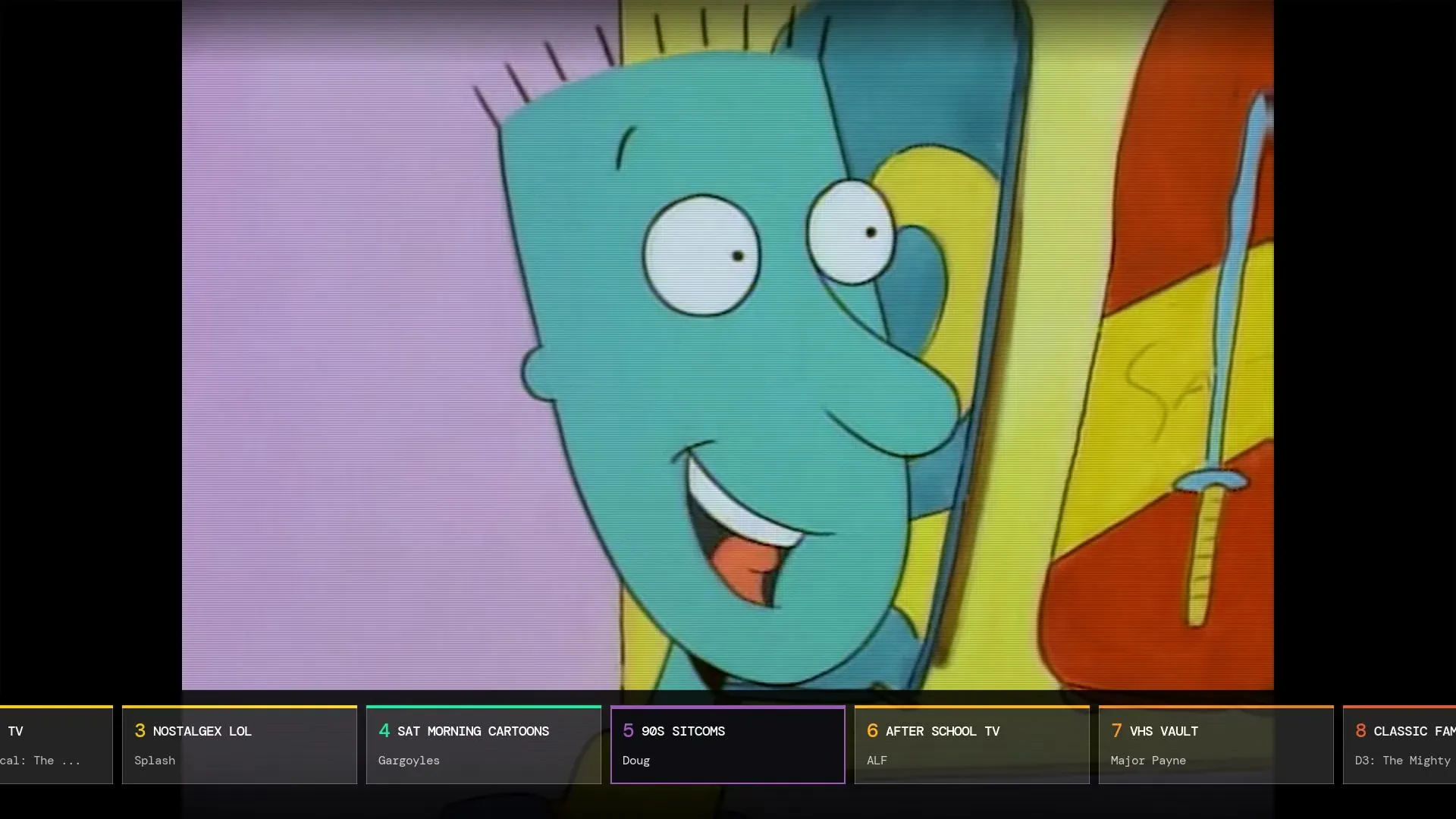
Which channels show up depends on your library. If you don't own enough found footage horror, FOUND FOOTAGE waits until you do. That's on purpose. I'd rather show you 40 channels that are good than 130 that are mostly reruns of the same three movies.
Does it cost anything?
No. Nostalgex is free on Roku, free on Apple TV, and free in your browser. The Apple TV app has an optional tip jar that unlocks nothing. The whole thing is open source under MIT, and the Roku app's source sits in the roku folder on GitHub.
The one thing you need is your own Plex, Jellyfin or Emby server with movies or shows on it. Nostalgex plays your library. It doesn't host or supply any video.
Which Roku devices does it work on?
So far it's been tested on a Roku Streaming Stick Plus and TCL Roku TVs. If yours does something weird, tell me in Discord and I'll add it to the list.
Is it the same as the Apple TV app?
Close, and getting closer every week. Both build the same channels from the same rules, so your lineup looks familiar if you switch between them. The Apple TV app usually gets new features first, and the Roku app catches up.
If you've got an Apple TV in the living room and a Roku in the bedroom, you can run both on the same server. On Apple TV, Nostalgex is free on the App Store, and the Plex on Apple TV setup is about one minute.
Want to try it before you grab the remote?
The free web tuner at nostalgex.app runs the same channels in any browser, no account needed. Sign in, and you'll see what your library looks like as cable in about the time it takes to find the remote.
More reading if you're new here:
- How to make Plex feel like cable TV again
- Plex Live TV and your own movies: what it does and doesn't do
- A Jellyfin TV guide for your own library
FAQ
Is Nostalgex on the Roku Channel Store?
Yes. Search for Nostalgex on your Roku, or add it from your Roku account with the code NOSTALGEX.
Is Nostalgex free on Roku?
Yes. It's free and open source under MIT.
Does Nostalgex on Roku work with Jellyfin and Emby?
Yes. It works with Plex, Jellyfin and Emby. Jellyfin can sign in with a Quick Connect code.
Do I need to install anything on my server?
No. Nostalgex runs on the Roku and asks your server for each file when it's time to play. You need your own Plex, Jellyfin or Emby server with media on it.
Does Nostalgex supply movies or shows?
No. It only plays the library on your own Plex, Jellyfin or Emby server.
Is there a Fire TV or Android TV version?
Not yet. Android TV is the most requested thing after Roku, and it's on the list. On other devices, the web tuner runs in a browser today.